Give an agent a tool — fetch a URL
View as MarkdownYou'll take an agent and give it a single Fetch tool pointed at an HTTP API, so the model can pull live data into a conversation instead of answering from its training alone.
What you need
- A provider and a model that supports tool calls.
- One HTTP endpoint you want to reach, as a URL — public, or one you hold an API key for.
- The API key, if the endpoint needs one (it goes in your device keystore, not in the tool's configuration).
Steps
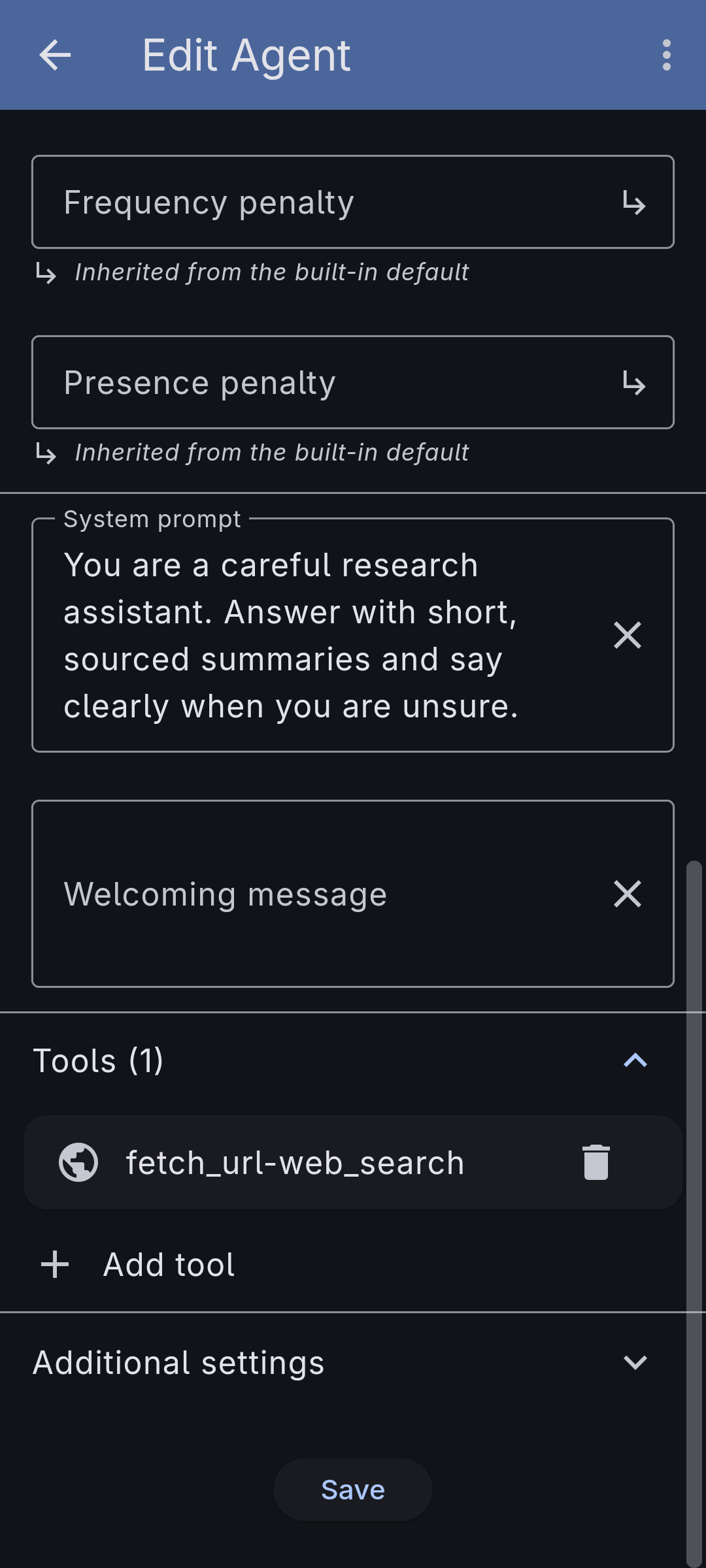
- Open the agent you want to extend — or build a simple one first (see Build a simple agent) — and expand its Tools section. Add a Fetch tool.
-
Give the endpoint a name and a one-line description. The model reads the description to decide when to call the tool, and the name becomes part of the tool it sees.
-
Write the URL as a template. Plain text is literal; wrap the parts the model should fill as
{variable}— for examplehttps://api.example.com/search?q={query}.{query}is URL-encoded for you; use{+path}when a value must be inserted without encoding, and{?tags*}to expand a list into query parameters. -
If the endpoint needs a key, put it in the API Key field and reference it in the URL or a header as
{apiKey}. The key is stored in your device's keystore and substituted only at call time — it never appears in the tool's saved configuration. -
Optionally refine the request: choose the HTTP Method and, for POST/PUT/PATCH/DELETE, a Body; add Headers; declare each Variable's type (Text, Integer, Decimal, Boolean), whether it's an array, whether it's required, and a default; and set Retry behaviour for endpoints that rate-limit (429/503 with backoff).
-
Optionally turn on Error handling so a failed response (by default any 4xx/5xx) is flagged as an error rather than passed off as a normal answer: the output filters are skipped and the raw error body comes back, optionally prefixed with the HTTP status. If a raw error page isn't useful to the model, fill in an Error message template — a small template rendered over the error body to produce a clean failure line.
{{status}},{{reason}}, and{{body}}are always available, and a JSON error body exposes its own fields too, soRequest failed ({{status}}): {{message}}turns a429with{"message": "quota exceeded"}intoRequest failed (429): quota exceeded. -
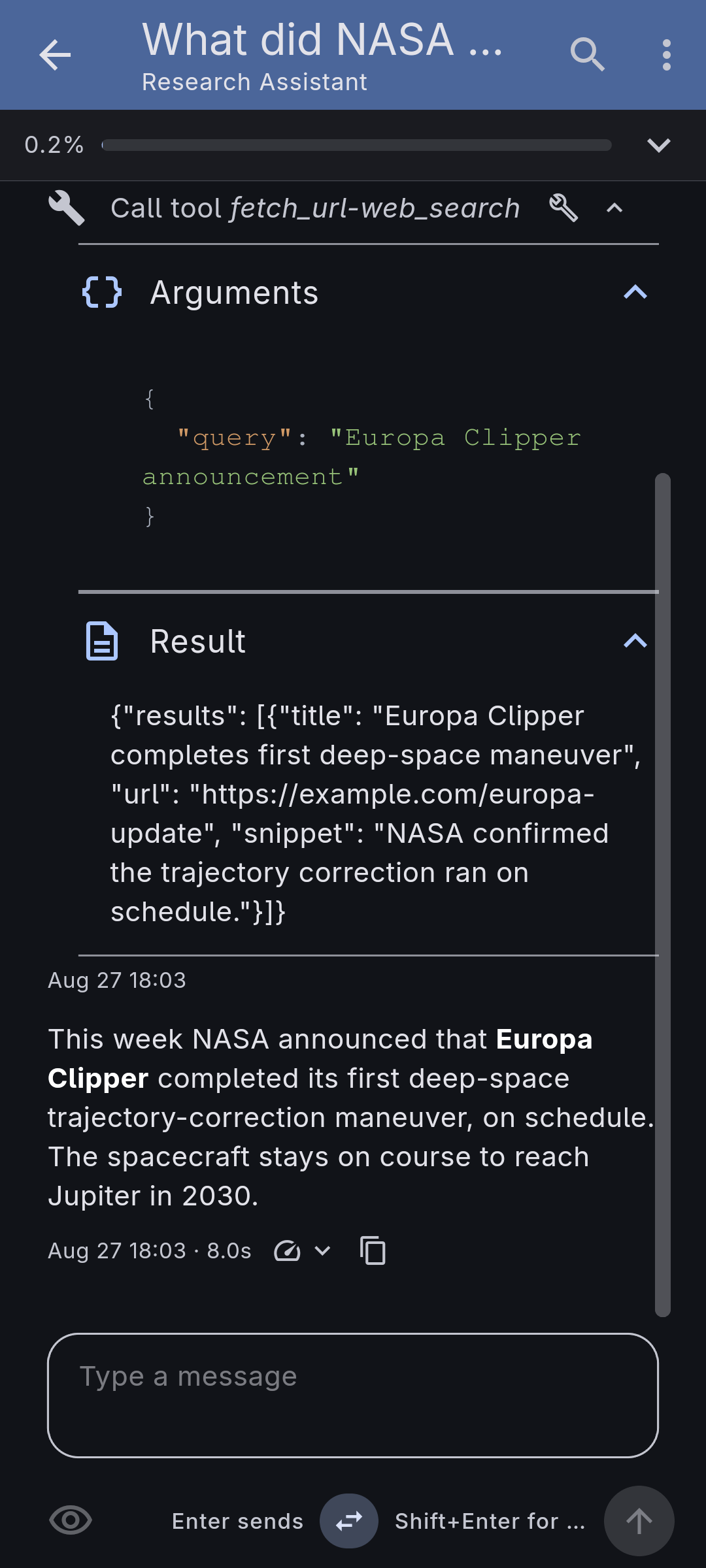
Save the agent and start a conversation. Ask something that needs the endpoint: the model calls the Fetch tool, the response comes back, and the agent answers from it.
Make it yours
- Search the web by pointing a Fetch tool at a search API's endpoint — there is no separate search tool; a fetch tool is how search works.
- Trim noisy responses with a Template output filter, so the model sees only the fields it needs instead of a whole JSON payload.
- Let a model do the trimming with a Model output filter when the response has no fields to pick — a whole HTML page, say. It asks one question about the body and passes the answer on; point it at a small local model and the agent never sees the page at all.
- Add several Fetch tools to one agent — one per endpoint — to hand it a small toolbox of APIs.